Human in the Loop: Where Approvals Belong in Workday Agent Workflows
This guide shows where approvals belong, based on what an agent can change and how hard that change is to undo.
Human in the loop for Workday AI agents means deciding, process by process, which agent actions a person must approve before they take effect, which a person reviews after, and which can run alone. Workday is building the controls. Agent Passport, which tests agents for security risks, was still not generally available after Workday Rising 2026. Grounded Reasoning, a policy check before an agent acts, is in early access for early 2027. Until those tools mature, the approval map is yours to draw. This guide shows where approvals belong, based on what an agent can change and how hard that change is to undo.
Webinar: Your Workday Just Hired Agents. Who's Checking Their Work?What Rising 2026 means for payroll, finance and HR leaders, and how to test agents and get users on board before Workday's 2027 R1 release.
If you lead finance, payroll, HR or compliance, the approval question reaches you before the agent does. Workday's president of product and technology, Gerrit Kazmaier, put it plainly: "in payroll and finance, a good guess isn't good enough." Here's how to decide where a person needs to step in.
Key Takeaways
Human in the loop means a person approves an agent's action before it takes effect. On the loop means a person reviews after. Out of the loop means the agent runs alone.
The harder an action is to undo, the closer a person should sit to it. Pay, payments, journal posts and terminations need approval every time.
Workday's Agent-Ready Tools keep Workday's permissions, approvals and audit records. Agents that connect around them can skip approvals.
Agent Passport tests agents for security risks. It doesn't check whether an agent made the right business decision.
Approval rules need a named owner and a retest after every Workday release.
What Does Human in the Loop Mean for Workday Agents?
Human in the loop is a control model for AI agents. A person approves, reviews or overrides an agent's action at a set point in a business process. In Workday, that point is usually an approval step inside the business process the agent works in.
There are three levels of human involvement, and each one fits a different kind of work:
In the loop: A person approves before the action takes effect. Nothing happens until someone says yes.
On the loop: The agent acts, and a person watches, reviews a sample and can step in.
Out of the loop: The agent acts alone. The action is logged and checked later.
Workday uses the same framing. As reported from Rising 2026, Kazmaier described humans in the loop for hiring, on the loop for travel and expense approvals, and out of the loop for transaction sampling and accounting checks. Your own map will differ by process, risk and policy, so the question is how to draw it.
What Governance Does Workday Provide for AI Agents Today?
Workday covers part of the approval problem today. The rest arrives over the next few months. Here's the status of each control, as of November 2026.
Workday controlWhat it doesStatus
Agent-Ready Tools (MCP)
What it doesGives agents access to Workday data and tasks while keeping Workday's permissions, approvals and audit records
Status
Generally available
Agent Harness
What it doesRuns agents built by Workday, customers and partners
Status
Generally available
Autopilot controls
What it doesLet you choose which tasks run automatically and which need review. Every action is logged with what it used and who approved it
Status
Talent Acquisition with early adopters. Payroll, Accounting and Deployment for early adopters in early 2027
Agent Passport
What it doesTests agents for prompt injection, data leaks and unsafe outputs before and during production, and can allow, block or route actions
Status
Early access in the second half of 2026. General availability projected before the end of 2026
Grounded Reasoning
What it doesA policy check before an agent acts
Status
Early access, early 2027
C1.ai acquisition
What it doesIdentity governance that would let job-change records drive access for people and agents
Status
Acquisition agreed
The Agent-Ready Tools row matters most right now. At Rising, Workday CTO Gabe Monroy showed an agent on an unofficial MCP connection moving an employee without the required approval. When he repeated the action through Agent-Ready Tools, the approval workflow fired. His summary: "Headless can't be lawless." Agents that reach Workday through its own tools inherit your approvals. Agents that go around them don't.
The Agent Passport row needs a closer look too. Its tests cover security risks such as prompt injection and leaked employee data. They don't confirm that an agent picked the right cost center or applied the right pay rate. As Melody Brue of Moor Insights & Strategy put it, "an agent can be authorized and still make the wrong call." That judgment still needs a person, or a test that knows your process.
ApprovalA person approves before anything leaves draft
3.Change records you can undoHuman role: On the loop
What the agent doesUpdates data inside a business process
ExamplesCost center change, address update, expense coding
ApprovalApprove exceptions, and review a sample after
4.Move money, pay or statusHuman role: In the loop
What the agent doesTakes actions that are hard or slow to reverse
ExamplesPay run, supplier payment, journal post, termination, compensation change
ApprovalA named owner approves every action
Workday's own products already follow this pattern. In the Talent Acquisition autopilot, nothing goes to a candidate until a recruiter approves. That's tier 2. The payroll agent Workday plans for early adopters in early 2027 is built to flag missing data and problems before payroll runs. It recommends, and a person decides.
The examples above are a starting point. Your tiers depend on your policies, your auditors and how much each error costs. A tier 3 change in one company can be tier 4 in another, such as an address change that moves a worker into a new tax jurisdiction.
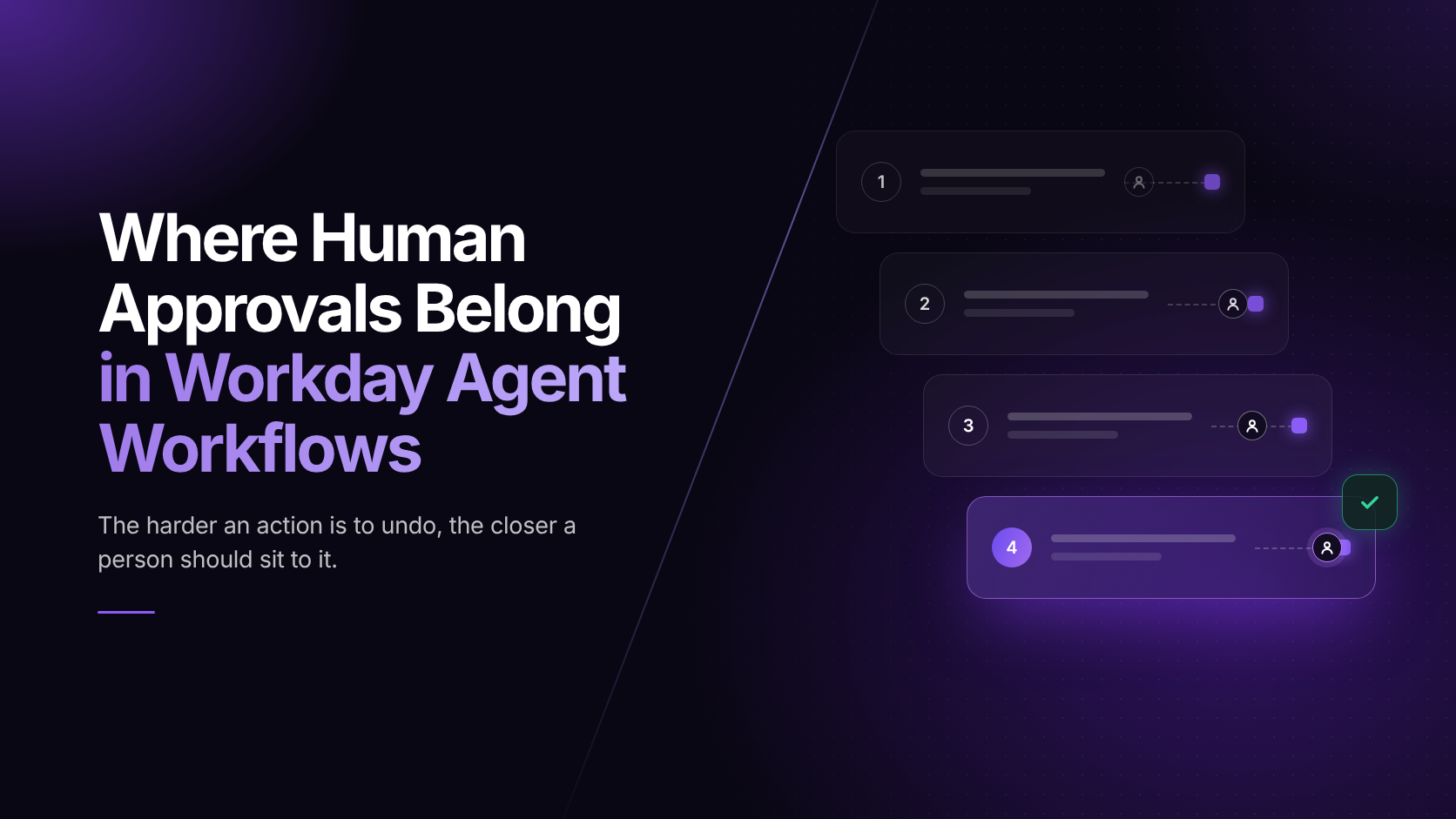
Workday AI governanceWhere Human Approvals Belong in Workday Agent WorkflowsThe harder an action is to undo, the closer a person should sit to it.
Harder to undo
1
Read and reportOut of the loop
Log and samplee.g. headcount report, policy question
2
Draft and recommendIn the loop at release
Approve before it leaves drafte.g. candidate outreach, flagged payroll exception
3
Change records you can undoOn the loop
Approve exceptions, review a samplee.g. cost center change, expense coding
4
Move money, pay or statusIn the loop
A named owner approves every actione.g. pay run, journal post, termination
Five checkpoints to set before agents go live
PermissionBefore it acts
ApprovalBefore it writes
HandoffWhen it's unsure
AuditAfter it acts
RetestAfter every change
Workday controls, November 2026:Agent-Ready Tools · Generally availableAgent Passport · Not yet generally availableGrounded Reasoning · Early access, early 2027
ziplyne.com
Five Checkpoints to Set Before Workday Agents Go Live
Tiers tell you how much oversight each action needs. Checkpoints tell you where that oversight happens. Set these five before any agent writes data.
Permission, before it acts. Give each agent only the access its task needs. Keep permission to recommend separate from permission to act, so a drafting agent can't submit.
Approval, before it writes. Route tier 3 and tier 4 actions through Workday business process approvals, not around them. Confirm every agent connects through Agent-Ready Tools or another path that keeps your approval rules.
Handoff, when it's unsure. List the cases that must go to a person: missing data, conflicting policies, amounts over a set limit, and anything touching a terminated worker.
Audit, after it acts. Check that every action logs what the agent used and who approved it. Name one person to review the log each week.
Retest, after every change. Rerun your agent test cases after each Workday release, each weekly update you adopt and each change to an agent's setup. An approval that fired correctly in September can route differently after March. For how to build those cases, see our guide to testing AI agents in Workday.
Common Mistakes That Weaken Approvals
Even teams that set checkpoints can undercut them. Watch for these six.
Approving everything. When every action needs a click, reviewers stop reading. Put approvals where the risk is, and let low-risk work run on the loop.
Treating access as accuracy. An agent with the right permissions can still pick the wrong record. Approvals and tests check different things, and you need both.
Letting agents connect around business processes. A direct connection with a service account can skip the approval chain. Ask how every agent reaches Workday.
Leaving approvals without an owner. An approval queue with no named owner just adds delay. Give each tier 4 process one accountable person and a backup.
Assuming alerts will stop an agent. Workday's Platform Consumption Console sends credit alerts at 80%, 90% and 100% of your threshold, but it doesn't switch agents off. Someone has to act on the alert.
Setting the rules once. Processes, policies and agents change. Review your tier map at every release, the same way you review your regression suite.
Approvals only protect you if the process behind them still runs the way you expect. That's where Ziplyne fits. Ziplyne is a Workday Technology Partner. With RORE™ (Record Once, Reuse Everywhere), a team records a business process once, approval steps included. That recording becomes a TestAi test and a DAPAi in-app guide.
TestAi checks that each approval step still fires after a release or a configuration change, and its scheduler runs those tests between releases, not just before them. DAPAi guides approvers through the review steps inside Workday, so a person checking an agent's work knows what to look for. When the process changes, the test and the guide change together.
Frequently Asked Questions
Human in the loop means a person approves an AI agent's action before it takes effect in Workday. It usually sits as an approval step inside a business process. Teams use it for high-risk actions, such as pay runs, payments and terminations, where a wrong action is hard to reverse.
Actions that move money, pay or employment status should need approval every time. That covers pay runs, supplier payments, journal posts, terminations and compensation changes. Drafts should need approval before they're sent. Reversible record changes can run with exception approvals and sample reviews. Read-only requests can run alone with logging.
Not as of Workday Rising 2026. Workday said early access customers would get Agent Passport in the second half of 2026, with general availability projected before the end of 2026. Agent Passport tests agents for security risks such as prompt injection and data leaks, and monitors them in production.
Grounded Reasoning is a Workday capability that runs a policy check before an AI agent acts. Workday announced it at Rising 2026 for early access in early 2027. Until it's available, teams need their own checkpoints, such as approval steps, handoff rules and audit reviews.
In the loop means a person approves before the agent acts. On the loop means the agent acts while a person watches, reviews samples and can step in. Out of the loop means the agent acts alone and the action is logged for later checks. Risk decides which level fits.
The process owner should own approvals for any agent that writes data. Payroll owns payroll agents, finance owns accounting agents and HR owns hiring and worker changes. Each high-risk process needs one named owner and a backup. QA owns testing that those approval steps still work after each release.
The Bottom Line
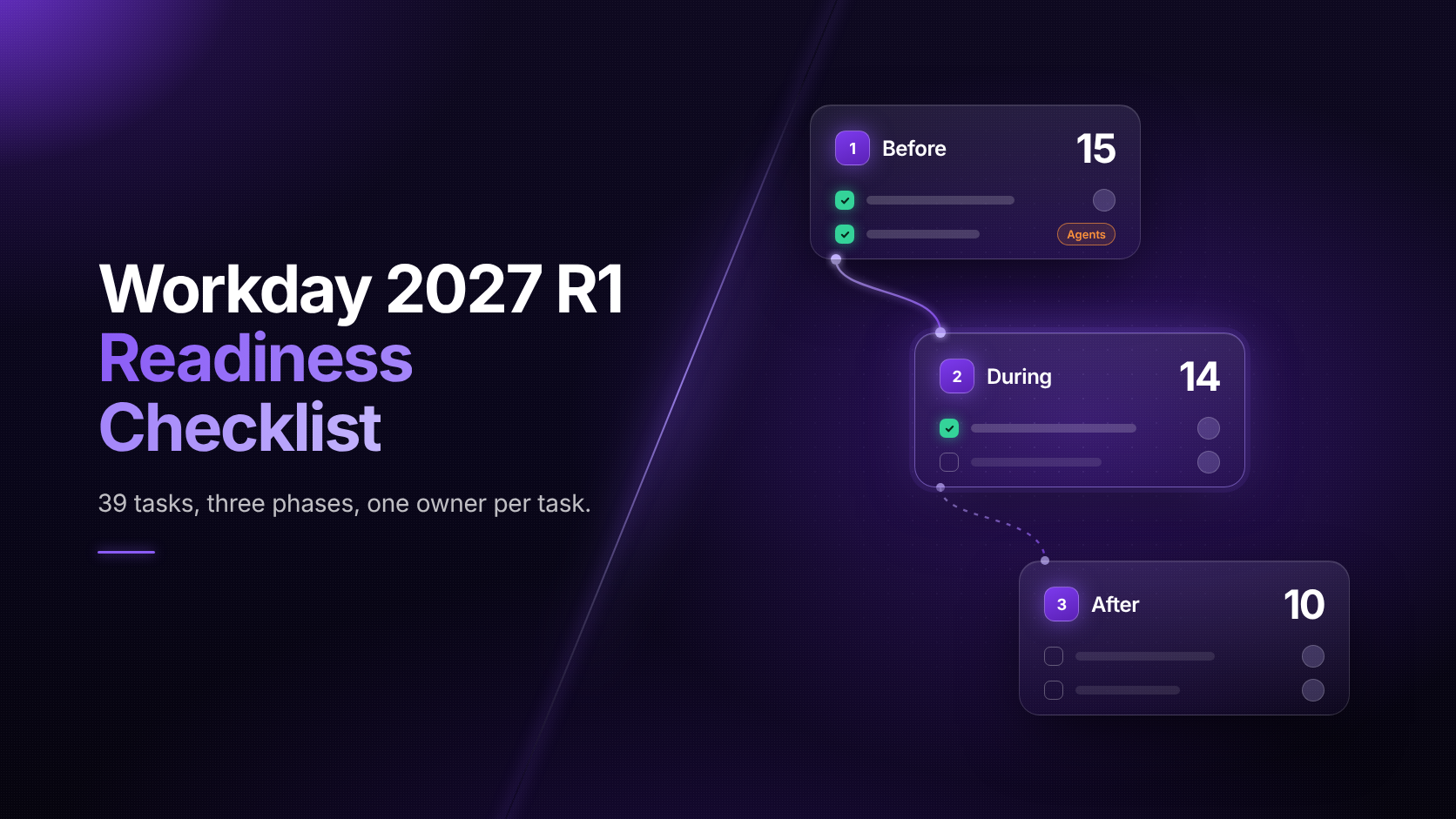
Workday's agents are moving from suggesting work to doing it. Workday is building the controls, but several aren't generally available yet, and none of them decide what your approval map should be. Sort agent work by how hard it is to undo. Put a person in front of anything that moves money, pay or status. Name an owner for every approval, and retest the rules every release. The Workday 2027 R1 Readiness Checklist shows where those retests fit.
Want to see how this plays out with the agents Workday announced at Rising 2026? Join the webinar.