A Workday process changes. Your team tests it, sends an email explaining the update, attaches screenshots, and publishes a help article. From a project perspective, the change is complete.
Then employees start using it.
Some follow the new process without a problem. Others stop halfway through. A few go back to HR or their Workday support team because they cannot remember what changed.
This is where Workday test automation and user adoption start to overlap.
Testing answers one important question: Does the process work?
Adoption answers another: Can employees complete the process correctly when they need it?
For Workday teams preparing for releases, configuration changes, or new business processes, solving only one side leaves a gap. A process can pass testing and still create support tickets after launch. And a perfectly written training guide cannot help if the underlying workflow was not properly validated before users reached it.
The better approach is to connect Workday automated testing with guidance for the people who will eventually use those processes.
Take something simple like requesting time off. An employee may use that process only a few times a year.
Your announcement arrives on Tuesday. They skim it, understand that something has changed, and get back to work. Six weeks later, they need to request leave. They open Workday.
That is usually when the real test of the change begins.
The employee follows the process they already know. When a screen, field, or step looks different, they have to work out what changed before they can continue.
This does not necessarily mean the new workflow is difficult. They simply have not used it often enough to build a new habit.
They look for the help article. Maybe the screenshots were created earlier in the project. Maybe your configuration has changed. Maybe a field or approval step is different from what appears in the document.
Even a small mismatch makes employees hesitate. And once they stop trusting the instructions, asking someone becomes easier than continuing on their own.
The employee messages HR. Or the Workday admin. Or the person on their team who knows how the process works.
For one employee, that takes a few minutes. Across hundreds or thousands of employees, those repeat questions become a measurable support burden.
This is why Workday testing should not stop at confirming that a workflow technically works. Teams also need to consider how the validated process will be used after it reaches production.
Workday teams already test important business processes. The challenge is scale.
A release or configuration change can affect business processes across areas such as HCM, Financials, Payroll, Recruiting, Time Tracking, Expenses, and integrations. Testing those workflows manually means repeating the same actions across environments, roles, test data, and scenarios.
For example, a team may need to validate:
Now repeat that testing whenever something changes.
This is where Workday test automation becomes useful. Instead of manually clicking through every known process before each release, teams can automate repeatable regression scenarios and focus manual testing on changes that require deeper business review.
A new feature is not the only thing that needs testing. Teams also need to confirm that existing processes continue to work as expected. That is the purpose of Workday regression testing.
If a configuration change affects one part of a workflow, you want to know whether related processes still behave correctly.
For example: A team changes part of the Time Off process. The immediate test may confirm that an employee can still submit a request. But regression testing may also need to validate:
The more business processes an organization runs in Workday, the harder this becomes to repeat manually. Automated regression testing gives teams a repeatable way to validate those known workflows before changes reach users.
Imagine your automated test runs successfully. The workflow works. The approval routes correctly. The process reaches completion. Technically, the release is ready.
But an employee can still open that exact process on Monday morning and have no idea what to do next.
That is why testing and adoption should not operate as completely separate projects. The business process being tested is also the business process employees need help completing. There is an opportunity to reuse that process knowledge instead of creating everything twice.
Consider how most teams work today:
Then somebody maintains all of them when the process changes. That creates duplicate work.
A simpler model is:
Record the process once and reuse that workflow for both testing and user guidance.
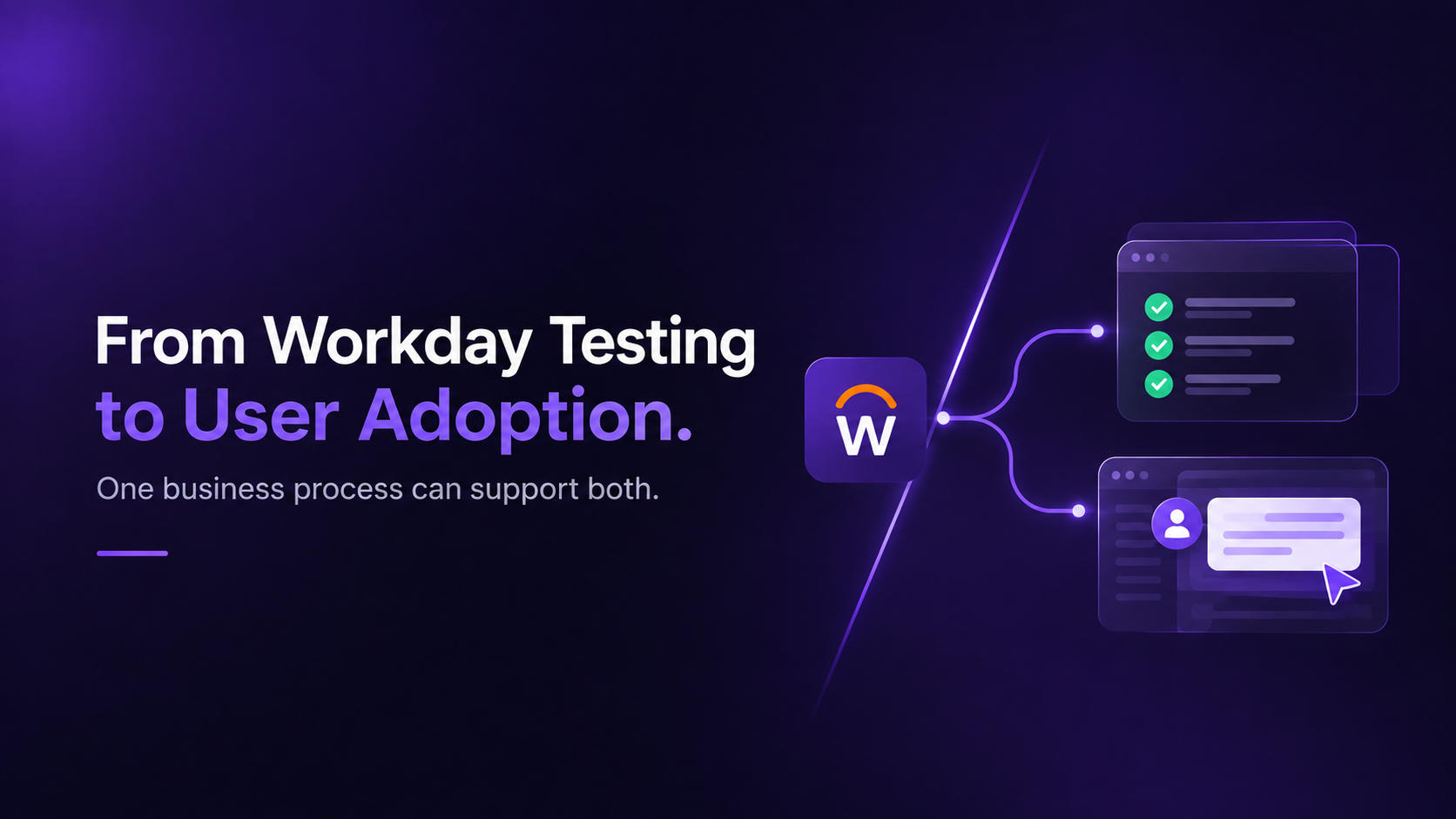
The recorded business process becomes the common starting point. For testing, it can be used to validate whether the workflow still completes successfully. For adoption, the same process can guide employees through the steps while they work.
This connects Workday test automation with Workday digital adoption instead of treating them as unrelated projects.
A good Workday automated testing approach should focus first on repeatable, business-critical processes.
Start with workflows employees and managers rely on regularly. Examples include:
These processes are strong candidates for automation because teams repeatedly validate them after changes.
Build regression coverage around processes that should continue working after releases and configuration updates. Instead of rebuilding testing every cycle, maintain reusable automated tests that can be executed again.
A Workday process rarely exists completely on its own. A Hire process, for example, may eventually touch identity management, payroll, benefits, IT provisioning, or other enterprise systems.
End-to-end test automation helps validate the complete business process rather than testing only one screen.
Workday environments often exchange information with other systems. Testing integrations alongside business processes helps teams catch issues before they affect employees or downstream teams.
Workday teams need a repeatable approach for validating important workflows during release preparation. Automation can handle known regression scenarios while functional teams spend more time reviewing meaningful business changes.
Once the workflow has been validated, employees still need to use it correctly. That is where in-app guidance can take over.
Instead of asking employees to remember a training session or search for a PDF, guidance appears while they are completing the process. For example:
Testing protects the process before release. Guidance supports the employee after release. Together, they create a more complete release process.
Automation should not simply make manual testing run faster. It should reduce how much repetitive work teams have to rebuild every time something changes.
That means creating reusable tests for stable business processes, updating them when the process genuinely changes, and running them again when needed.
The same principle applies to training. If testing and guidance begin from the same recorded workflow, teams can reduce duplicated process documentation.
That is the idea behind Ziplyne's Record Once, Reuse Everywhere approach. A business process can become both:
Instead of testing teams and adoption teams maintaining separate versions of the same workflow.
You do not need to automate everything at once. Start with processes where the business impact is easy to understand.
Look at processes that many employees or managers complete. Examples might include Time Off, Expenses, employee updates, or manager approvals.
Ask your Workday team which workflows they manually validate during almost every major change or release. Those are strong candidates for Workday regression test automation.
Look at the processes that generate the most:
These workflows have both a testing opportunity and an adoption opportunity. That makes them useful starting points for connecting automated testing with user guidance.
Instead of asking only: “Did we test the new process?”
Ask:
“Did we validate the process, and can users complete it successfully after the change?”
That small change in thinking connects release readiness with what happens after go-live.
Workday test automation validates the process. Digital adoption helps employees use it. And when both start from the same business process, teams spend less time recreating the same knowledge in tests, training documents, screenshots, and support articles.
Ziplyne will be at Workday Rising 2026 in Las Vegas, October 12 to 15.
Bring us one Workday process your team repeatedly tests or explains to users. We will show you how the same recorded process can support Workday automated testing, regression testing, and in-app user guidance.
Book 15 minutes with Ziplyne at Workday Rising
Or just meet us and show us the Workday process you are tired of testing manually.


