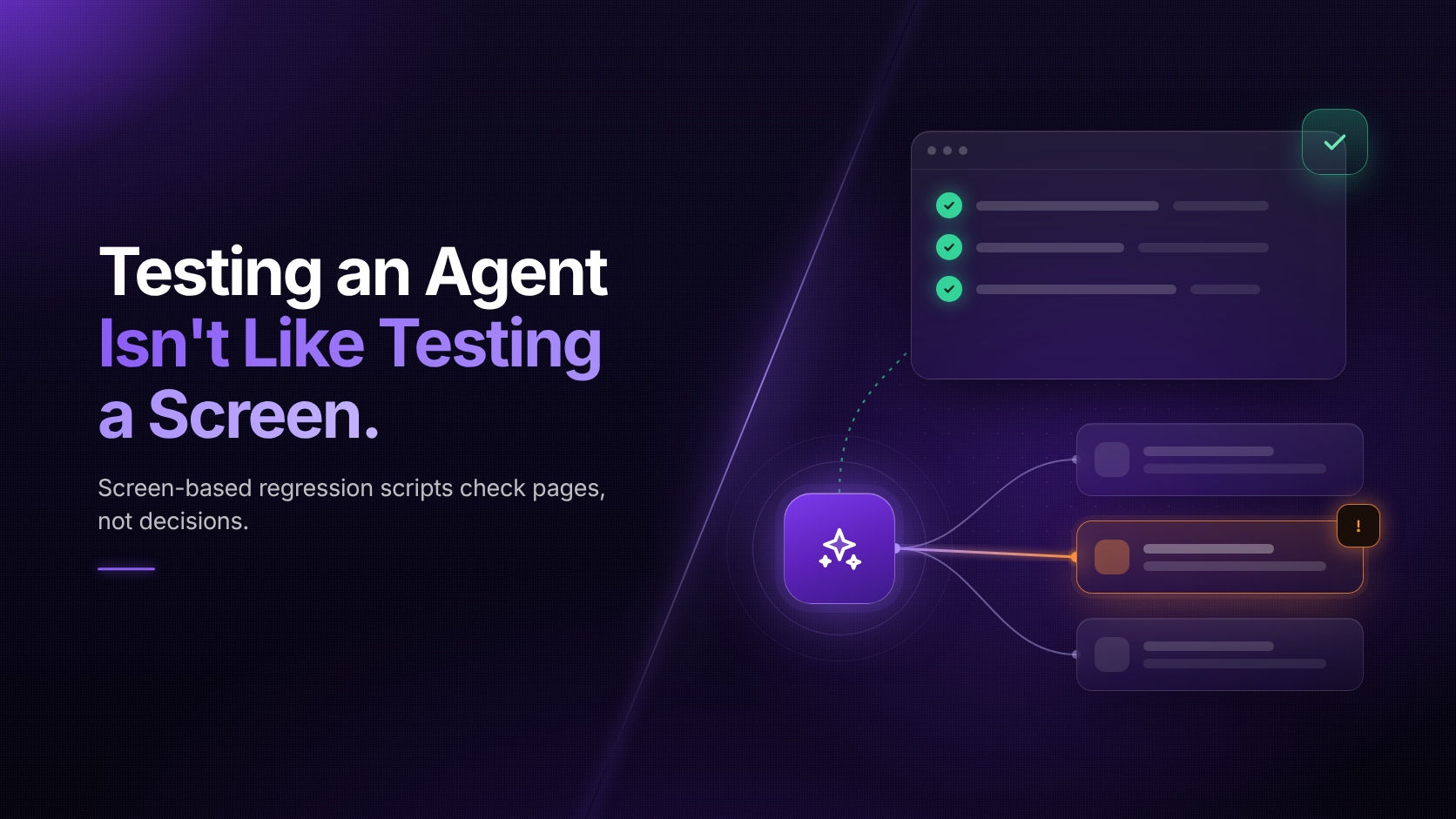
It reads context, decides what to do and then acts, so the same input can produce a different action. For years, Workday regression testing followed one simple rule. Click the same button with the same data, and you get the same screen. A script records the path, replays it after the next update, and flags anything that looks different. Agents break that rule. The regression suite that protected your last ten releases was never built to notice when an agent takes a different route or lands on a different answer.
If you own testing or releases, this shift lands on your desk first. Below, we break down why agent testing needs a different approach, where old scripts fall short, and what you can do about it before the next release.
Traditional test automation rests on one assumption: the system is deterministic. The same input produces the same output every time. A tester records a business process, such as hiring a worker or submitting an expense report. The script captures each click and field, then checks that the expected screen appears at each step.
When Workday ships R1 or R2, the team reruns the suite. A failed step points to something specific: a renamed field, a moved button, a changed validation rule. Someone fixes the script or the configuration, and the release moves on.
That model held up because the software did exactly what it was told. The only thing that changed between runs was the software itself. Agents add a second source of change, and it doesn't wait for a release.
A Workday AI agent is software that takes a goal, reads Workday data and acts on it, such as updating a record or starting a business process, within the permissions it's given. It doesn't follow a recorded path. It picks its next step based on the data in front of it. At Workday Rising 2026, Workday showed agents that start work on their own when an email lands, a form comes in or a call ends. It also introduced a payroll agent built to flag missing data or problems before payroll runs. Workday plans to give payroll and accounting agents to early adopters in early 2027.
These agents don't just read data. They change it. Workday's Agent-Ready Tools catalog was counted at 275 read tools and 54 write or delete tools. Each write tool is a place where an agent can update a record, start a business process or post an accounting entry.
That changes what a test has to answer. A screen test asks one question: did the page look right? An agent test has to ask three. Did the agent do the right thing? Did it get there the right way? Will it do the same thing tomorrow?
Most test suites will keep passing after agents go live. That's the problem. Here are five gaps a screen-based script won't catch.
The screen is right, the action is wrong. An agent updates a worker's cost center and the confirmation page loads cleanly. The script passes. But the agent picked the wrong cost center from three similar options.
The answer is right, the path is wrong. The agent reaches the correct result but skips an approval step or reads data it shouldn't touch. Outcome checks alone won't show it.
It worked once. You ran the test, and it passed. Run it ten more times and the agent takes a different route twice. A single run tells you little about an agent.
It drifts between releases. Workday updates, model updates and prompt changes can shift agent behavior even when no screen changes. Your suite has nothing to compare against.
The edge cases stay untested. Scripts cover the happy path. Agents get judged on the messy cases: a missing tax ID, a retro pay change, a terminated worker with a pending expense.
Each gap has the same root cause. The test checks the page, while the risk sits in the decision behind it.
Seen side by side, the difference is less about tools and more about what counts as a pass.
| Screen testing | Agent testing | |
|---|---|---|
| What you check | The page shows the expected fields and values | The agent took the right action on the right record |
| How it runs | One fixed path, replayed step by step | Many possible paths toward one goal |
| What a pass means | The same result as last time | A correct result within set limits, across repeated runs |
| What causes failure | A UI or configuration change in a release | A UI change, a model update, new data or an unclear request |
| When to test | Before each R1 and R2 | Before each release, and on a schedule in between |
| Who signs off | QA | QA, plus the process owner for anything that writes data |
You don't need to throw out your regression suite. It still guards the screens and business processes your people use every day. What you need is a second layer that checks the agent's decisions. Five checks cover most of it:
Workday's R1 release lands in March each year, so the window to prepare is the next few months. Here's a simple sequence for QA and release leads.
None of this needs a new team. It needs a test library that captures how your processes should run, and a way to run it often.
That test library is where Ziplyne fits. Ziplyne is a Workday Technology Partner, and its approach starts with recording a business process once. With RORE™ (Record Once, Reuse Everywhere), that one recording becomes a test case in TestAi and an in-app guide in DAPAi.
Test Packs give teams pre-built tests to start from, so they don't build every case by hand. The scheduler runs those tests as often as needed, not just in the weeks before R1. When a process changes, the test and the guide change with it. The people checking the agent's work and the people working alongside it stay on the same version of the process.
Agents will make Workday faster to run. They'll also make it harder to prove that it ran correctly. The teams that come out ahead won't be the ones with the most agents. They'll be the ones who can show what each agent did, why it did it, and that it will do the same next time. Start with the agents that write data, test the decisions as well as the screens, and keep testing between releases.
Want to see how this applies to what Workday announced at Rising 2026? Join the webinar.
