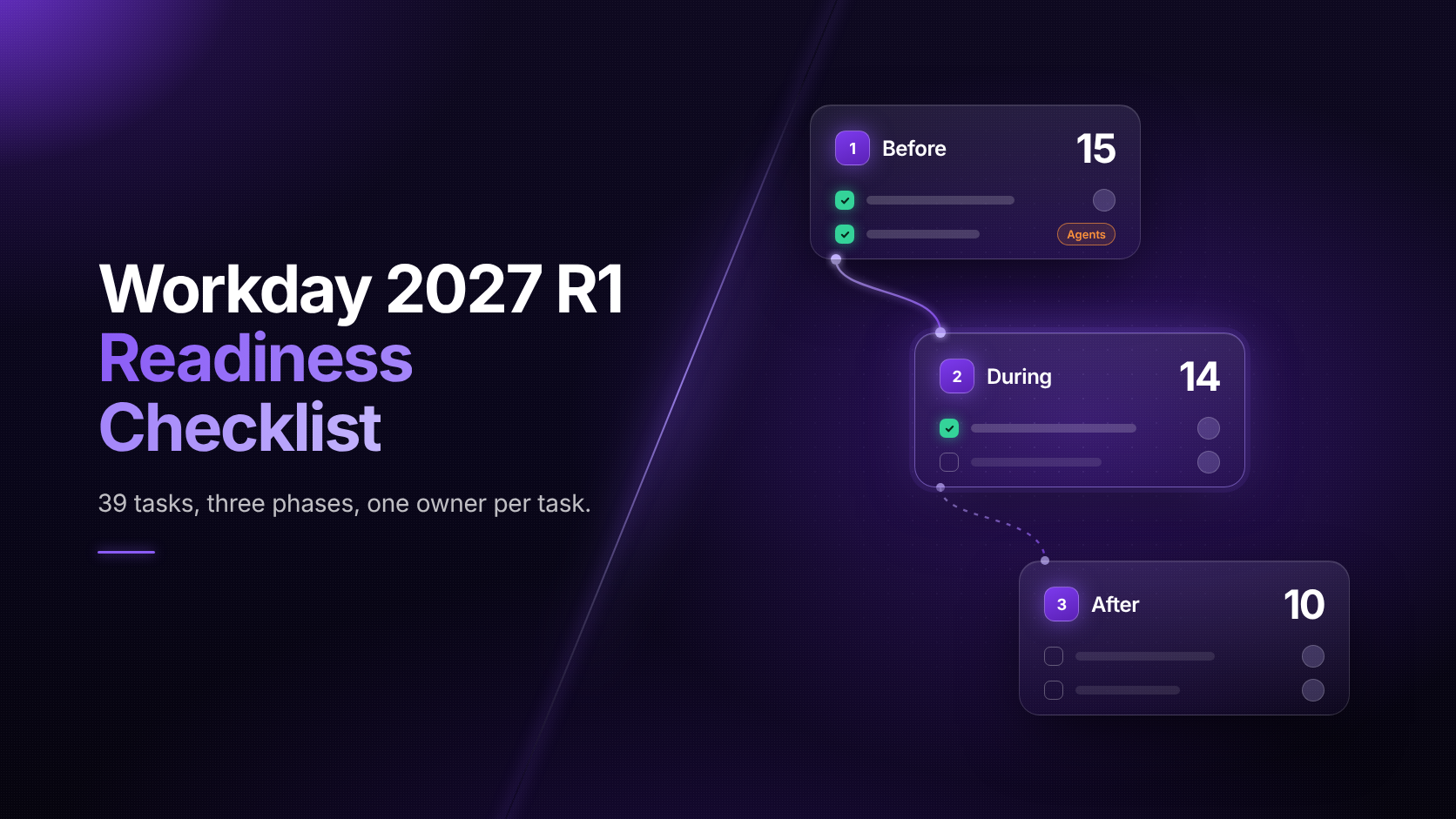
39 tasks, three phases, one owner per task. Get ready for Preview before it opens in February.
Free checklist39 tasks across before, during and after the release, each with an owner. Know what to do before Preview opens in February, and what to watch once R1 is live.
A Workday R1 readiness checklist is a list of tasks a team completes before, during and after Workday's March feature release. It covers planning, testing in the Preview tenant, updating training and checking the first live runs. This checklist splits 39 tasks into three phases and names who usually owns each one.
When Is the Workday 2027 R1 Release?
Workday 2027 R1 is expected to reach production in mid-March 2027, after a five-week Preview window that opens in early February. Those dates follow the 2026 R1 pattern, when Preview ran February 7 to March 14 and production went live on Saturday, March 14. Confirm the 2027 dates in Workday's Release Center.
What's in the Checklist
Before15During14After10
123
1. Before the releaseWhen Now to early FebruaryWhat you'll doFreeze nonessential changes, map changes to processes, ready tests and test data, list your agents and define test cases15Tasks
2. During the releaseWhen Preview, about five weeksWhat you'll doRun full regression, fix and retest, test integrations, update guides and job aids, hold a go/no-go review and send user comms14Tasks
3. After the releaseWhen First 30 daysWhat you'll doRerun tests in Production, watch the first payroll run, track adoption and tickets, hold a retro and plan R210Tasks
Most of the work happens before Preview opens. Preview is for validating changes, and the 30 days after are for watching live use.
Who Should Use This Checklist?
Workday release leads and program owners
QA and regression testing teams
Payroll, finance and HR process owners
Training and change management teams
Help desk and support leads
Why 2027 R1 Is Different
Workday plans to give its payroll and accounting agents to early adopters in early 2027, right around R1. Agents act inside business processes, so a release can change what they do even when no screen moves. The checklist flags four tasks, marked Agents, for teams that use Workday AI agents.
Frequently Asked Questions
The Preview window usually runs about five weeks. In 2026, it ran from February 7 to March 14, when R1 reached production. Teams use Preview to run regression tests, test integrations and update guides in the Sandbox Preview tenant before users see the changes.
Start now, well before Preview opens in early February 2027. The first phase covers planning, a configuration freeze, test updates and user readiness. Teams that finish this phase early can spend Preview validating changes instead of fixing old problems.
Run your full regression suite in the Sandbox Preview tenant first. Then test the opt-in features you plan to turn on and your integrations end to end, including payroll providers, banks and benefits carriers. If you use AI agents, run each agent test case several times.
Rerun regression on critical processes in Production during the first week. Watch the first payroll run and compare it with the prior period. Track help desk tickets by process, then hold a release retro and add new cases to your regression suite.
Agents decide and act inside business processes, so a release can change their behavior without changing a screen. List every agent and what it can write, define expected outcomes for real cases, run each case more than once, and compare Production behavior with your Preview results.
A named release lead runs the plan, but ownership is shared. QA owns testing, process owners sign off for payroll, finance and HR, training updates guides and job aids, and the help desk covers support. The checklist names a usual owner for each of its 39 tasks.
Start before Preview opensGet all 39 tasks, with owners, in one printable checklist.